AI Hair Design

AI hairstyle result
Saved results
2
Add a clear photo

One front-facing photo is enough. We will handle the matching.

Upload your selfie

Use a clear, front-facing photo with good light. Keep your hairline visible when possible.

One faceGood lightNo heavy cover
Recent uploads0/4

Loading photos...

3
Your AI hair design brief

The model will evaluate these visible signals and use them to rank several flattering, realistic directions.

Face structureShape, proportions, and framing
Skin toneUndertone and color harmony
Current hairHairline, length, texture, and density
Local style contextEN
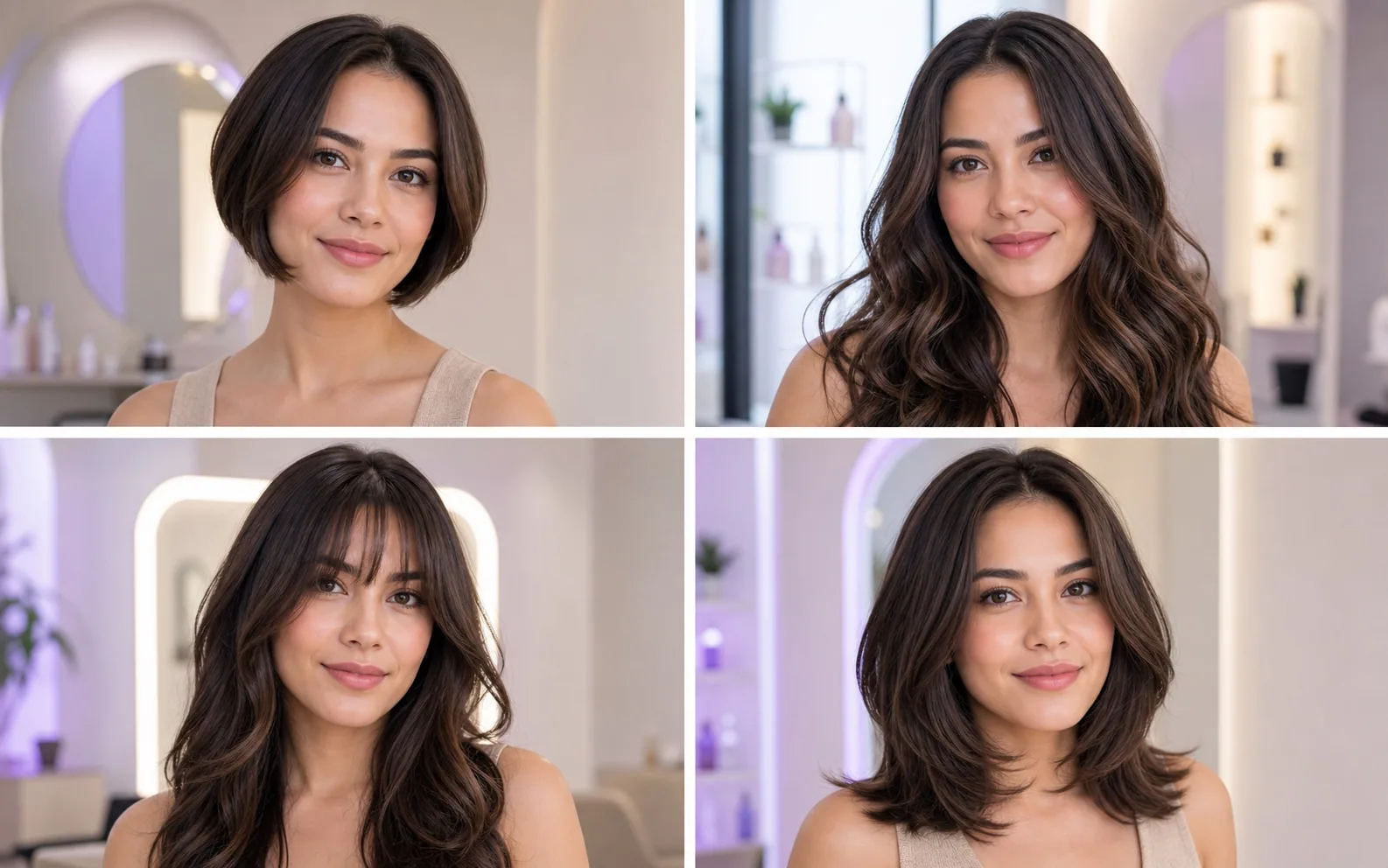
What AI will createA ranked set of identity-preserving hairstyles, each rendered directly on your uploaded photo.
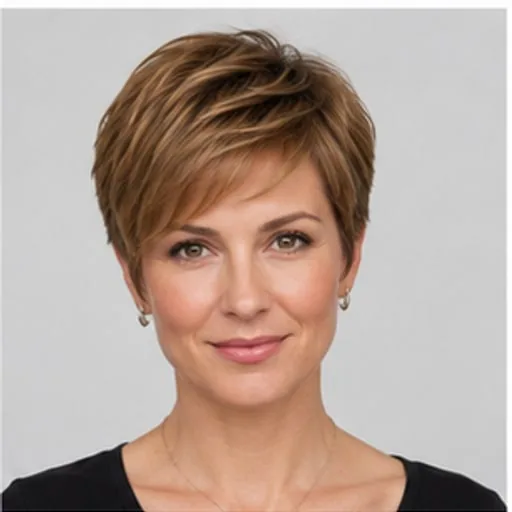
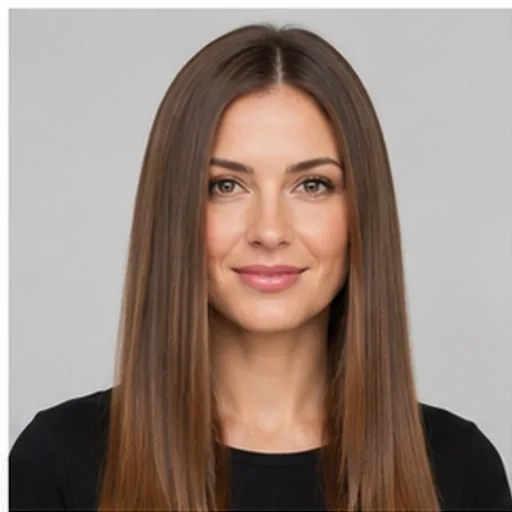
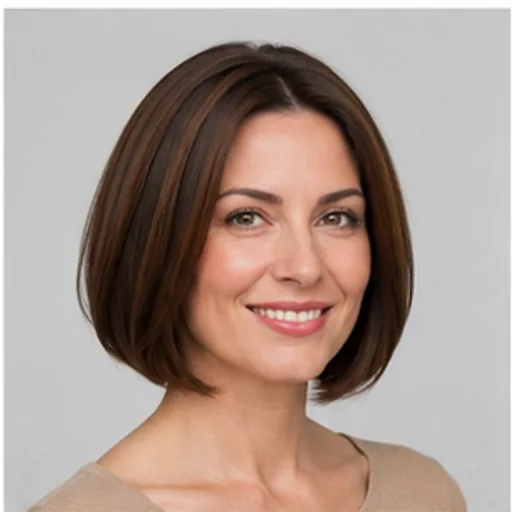
Straight AI hairstyle directionStraightBob AI hairstyle directionBobPixie Cut AI hairstyle directionPixie Cut
1 personalized ideasUsually ready in a moment.
Why it helps

What the AI considers before designing

Smart mode begins with visual suitability rather than a fixed haircut. It uses the source image and your optional preferences to construct a coherent hairstyle plan before the image model generates results.

01Face shape and hairline

The system evaluates visible proportions, forehead and hairline context, and where volume or face-framing movement may create balance.

02Skin tone and color harmony

Natural, warm, cool, or statement colors are considered against the visible skin undertone while preserving the original complexion.

03Current hair and portrait context

Existing length, density, texture, outfit neckline, pose, and image framing help guide choices that remain believable on the uploaded person.

04Region and personal intent

Browser locale, selected market, and an optional style brief can prioritize relevant directions such as Korean layers, French bobs, protective braids, or clean barber cuts.

How it works

From one photo to a ranked hairstyle set

The workflow stays intentionally short. You can accept the automatic plan or open advanced adjustments for a specific audience, color, framing, or batch strategy.

01Upload your photo

Choose a clear selfie or full-body portrait. The source image anchors identity, facial features, skin tone, pose, and camera perspective across every generated result.

02Let AI plan the set

Smart mode asks the model to infer face shape, hairline visibility, skin undertone, age cues, current length, and density before selecting suitable hairstyle directions.

03Review results in the background

Generation runs asynchronously and can produce multiple images concurrently. Continue browsing, follow progress from the floating task panel, then compare everything in Hairstyle History.

FAQ

AI hair design questions

Smart mode is useful when you want recommendations rather than a direct virtual try-on of one known hairstyle.

How is AI Hair Design different from manual try-on?

AI Hair Design chooses and ranks hairstyle directions after analyzing the photo. Manual try-on starts with a hairstyle example selected by you. Both use the same identity-preserving generation pipeline.

Does AI change my face?

The generation instructions explicitly lock face geometry, eyes, nose, lips, skin tone, age cues, expression, pose, and background. Only hair should change, though you should still review model output for occasional image-generation errors.

Can AI design men's and women's hairstyles?

Yes. Choose automatic, men's, or women's styling in advanced adjustments. Automatic mode treats that as style guidance rather than making a hard identity or gender assumption.

Can I use a full-body photo?

Yes. Full-body mode also considers body proportion, shoulder line, outfit neckline, and overall styling context while still limiting the edit to hair.